Class Wise Report
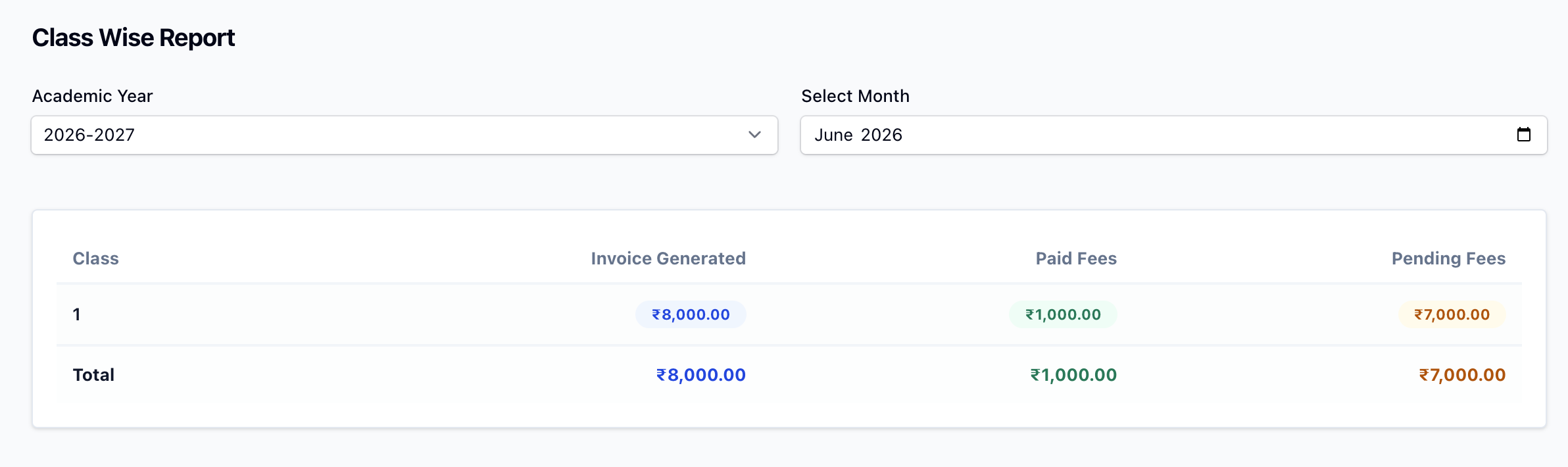
The Class Wise Report breaks down fee collection by class, so you can see at a glance which classes are paying well and which are falling behind.
Filters
- Academic Year — choose which academic year to report on.
- Select Month — optionally narrow to a single month; leave blank for the whole year.
The table
For each class the report shows:
- Generated — the total fee amount invoiced to that class.
- Paid — the total collected from that class.
- Pending — the unpaid balance for that class.
A totals row at the bottom aggregates all classes. Clicking any figure drills through to the Fee Invoices list, filtered to that class (and month, if selected).
INFO
This report is only available for organisation types that use classes/groups.