Dashboard
The dashboard is the landing page of your school panel. It gives you an at-a-glance picture of how fee collection is going, along with a chart that tracks collection performance across the academic year.
Filters
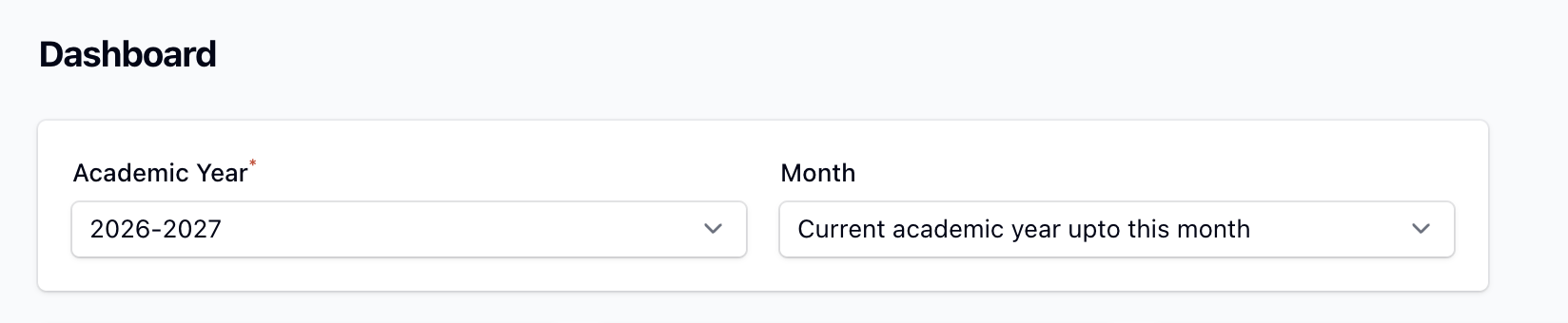
At the top of the dashboard you can change the period the figures are calculated for.
- Academic Year — choose which academic year to view. It defaults to the current academic year, worked out from your school's academic cycle.
- Month — optionally narrow the figures to a single month. Leave it blank to see the whole academic year up to today.
Key figures
Four cards summarise the health of your fee collection for the selected period:
- Total Students — the number of students currently enrolled.
- Fee Collected — the total amount paid during the selected academic year.
- Total Fee Generated — the total amount invoiced during the selected academic year.
- Fees Unpaid — the outstanding balance on invoices whose due date has already passed (overdue fees), up to the selected month.

Billing summary
A second row of cards shows your own platform billing for the current month:
- This month bill — the estimated amount your school will be charged, based on your active student count and plan. During a free trial this reads "Free trial until …".
- Active Students — the number of enrolled students the monthly bill is based on, along with the per-student rate.
- Plan — the subscription plan your school is on.

INFO
See Platform Bills for your full billing history and to pay outstanding platform invoices.
Payment Performance chart
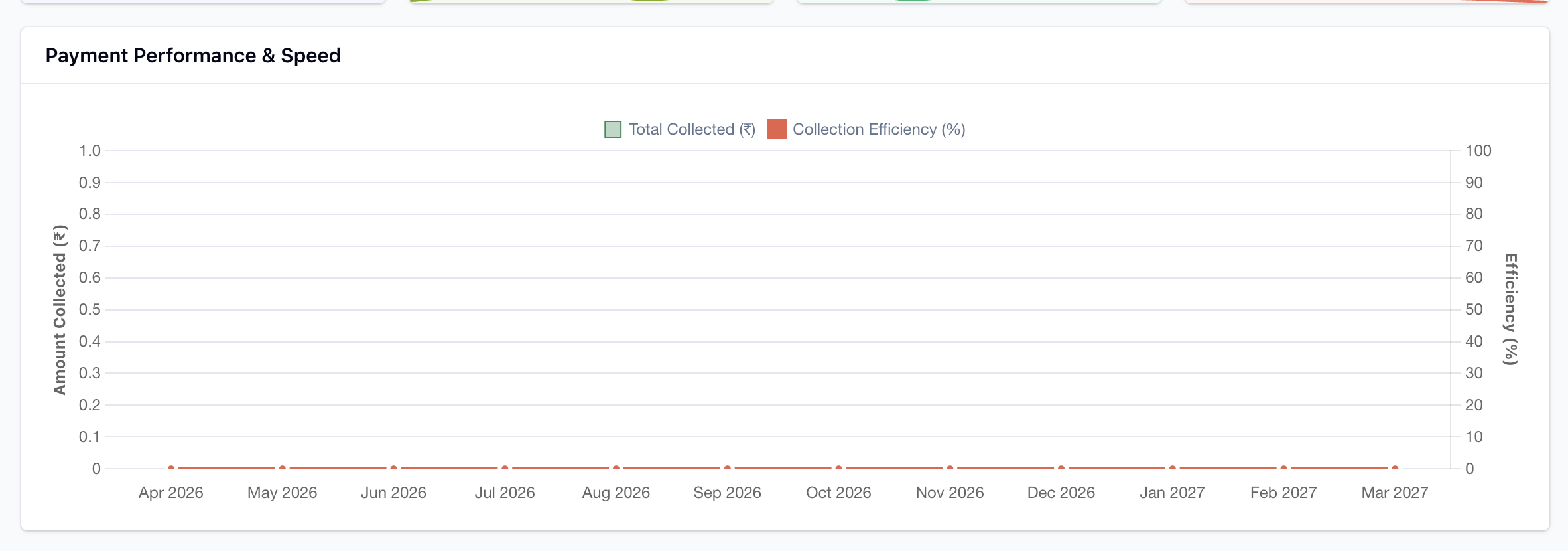
The Payment Performance & Speed chart plots two things across every month of the selected academic year:
- Collected Amount (green bars) — the total fee amount actually received each month.
- Collection Efficiency (orange line) — what percentage of each month's invoiced fees has been collected.
This makes it easy to spot slow months and see whether collection is keeping pace with the fees you issue.
Terminology
The panel adapts its wording to your organisation type. A school sees Students, Parents and Classes; a coaching centre sees Batches; clubs and societies see Members and Payers. This documentation uses the default school terminology.